top of page


Search
Keeping Score
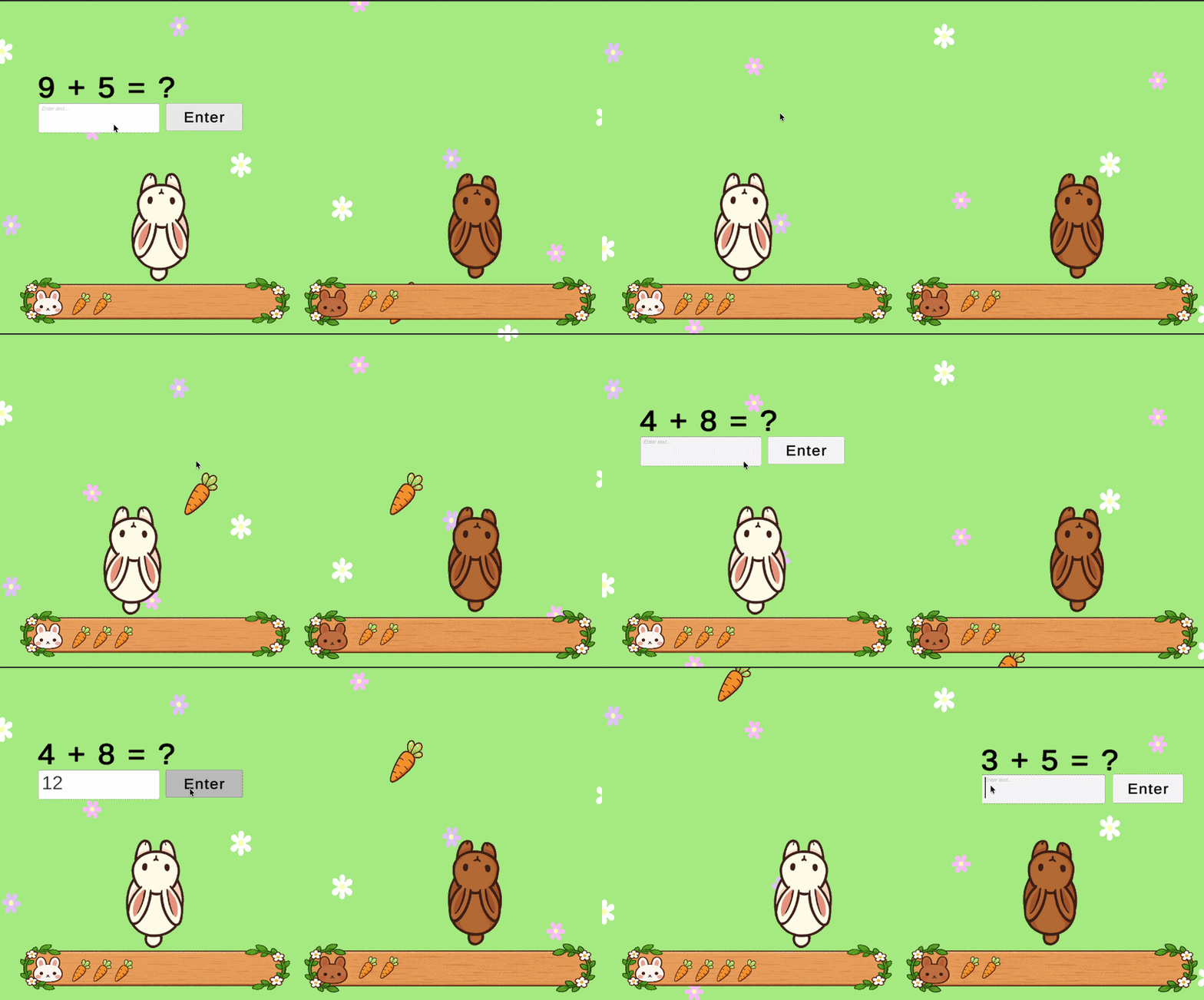
After a lot of blood, sweat, and tears, we finally created a scoreboard for both bunnies. Before, we didn’t have the wooden board, but I figured it would be more visually appealing to have it. Now, when a bunny runs into a carrot and answers the question correctly, a carrot will appear on the board. My next objective is to make a winner screen. So once one of the bunnies has a full board of carrots, they will win!

Claire Kim
Oct 201 min read


Carrot Scoreboard
There was an issue with the scoreboard where I just couldn’t see it pop up on the screen. It turns out that the objects were simply off-screen. I also had to make a Carrot Prefab specifically for the scoreboard. I made some visual tweaks. For one, the bunnies are now a little higher on screen so the scoreboard carrots won’t bump into them. The text was also difficult to read, so I made the text size as well as the buttons larger. Now, when the player answers a question correc
Claire Kim
Sep 11 min read


Problem Fixed!
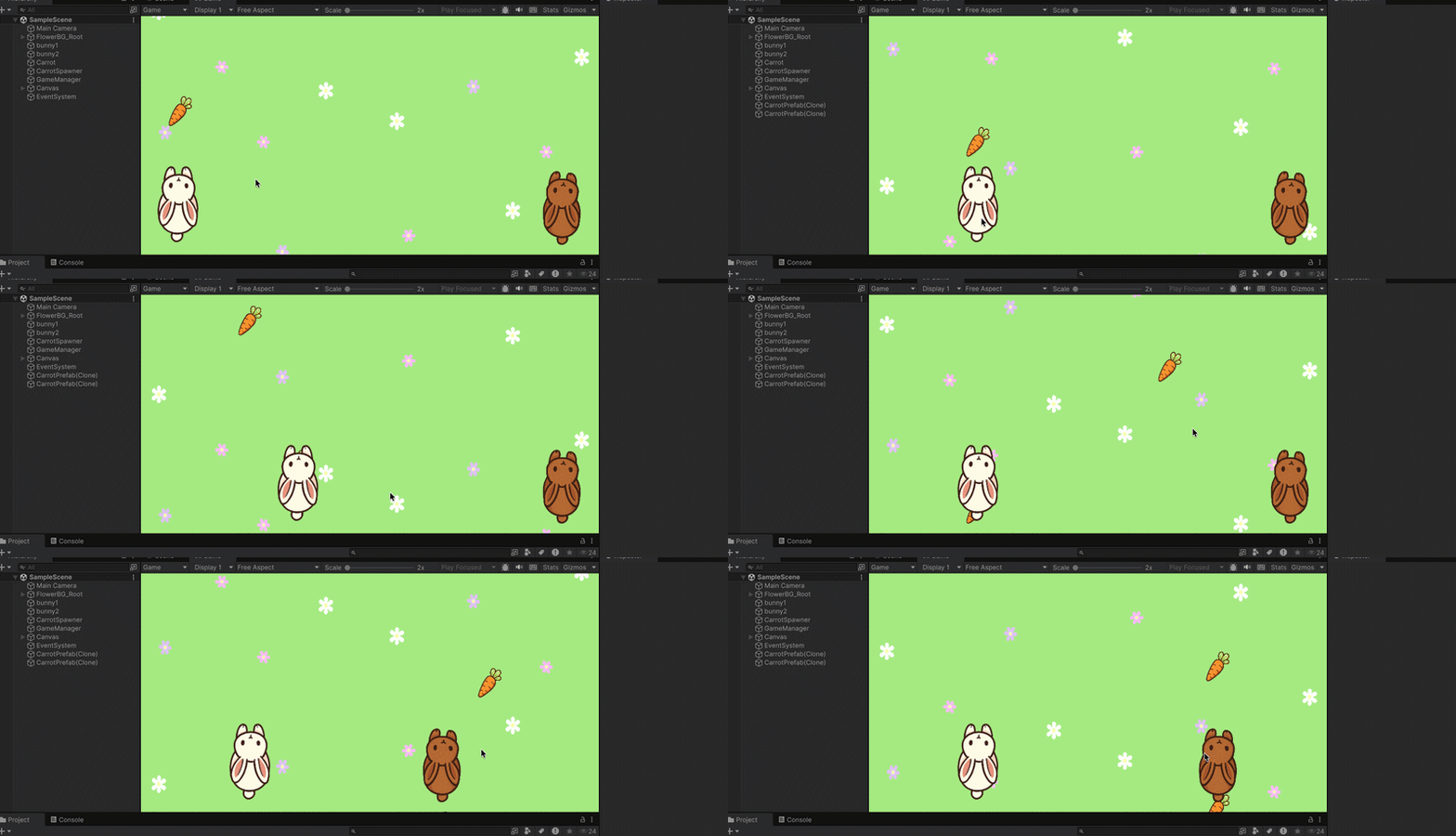
After some tweaking, I finally fixed some of the problems! First, in my GameManager, I had to make two versions of the Question Panels: one for each bunny. This way, if the white bunny is answering a question, the brown bunny can still move and get a question. Something that also bothered me (and you can see this in my “Pausing the Game” post) is that when a question appears, the screen becomes slightly white, looking almost like fog. It turns out that in each Question Panel
Claire Kim
Aug 251 min read
Pausing the Game
Okay! We finally got the game to pause whenever the rabbit hits the carrot. Right now, I just have “1+1+?” as an example, but in theory, when a bunny hits the carrot, a question will pop up. This is exactly what happens; however, there are a couple of problems. First of all, when the game pauses, the flowers continue to move. But I think this is fine, considering my next problem. While the white bunny receives the questions, the brown bunny can’t move! What I would like is fo
Claire Kim
Aug 111 min read
Cloning Carrots
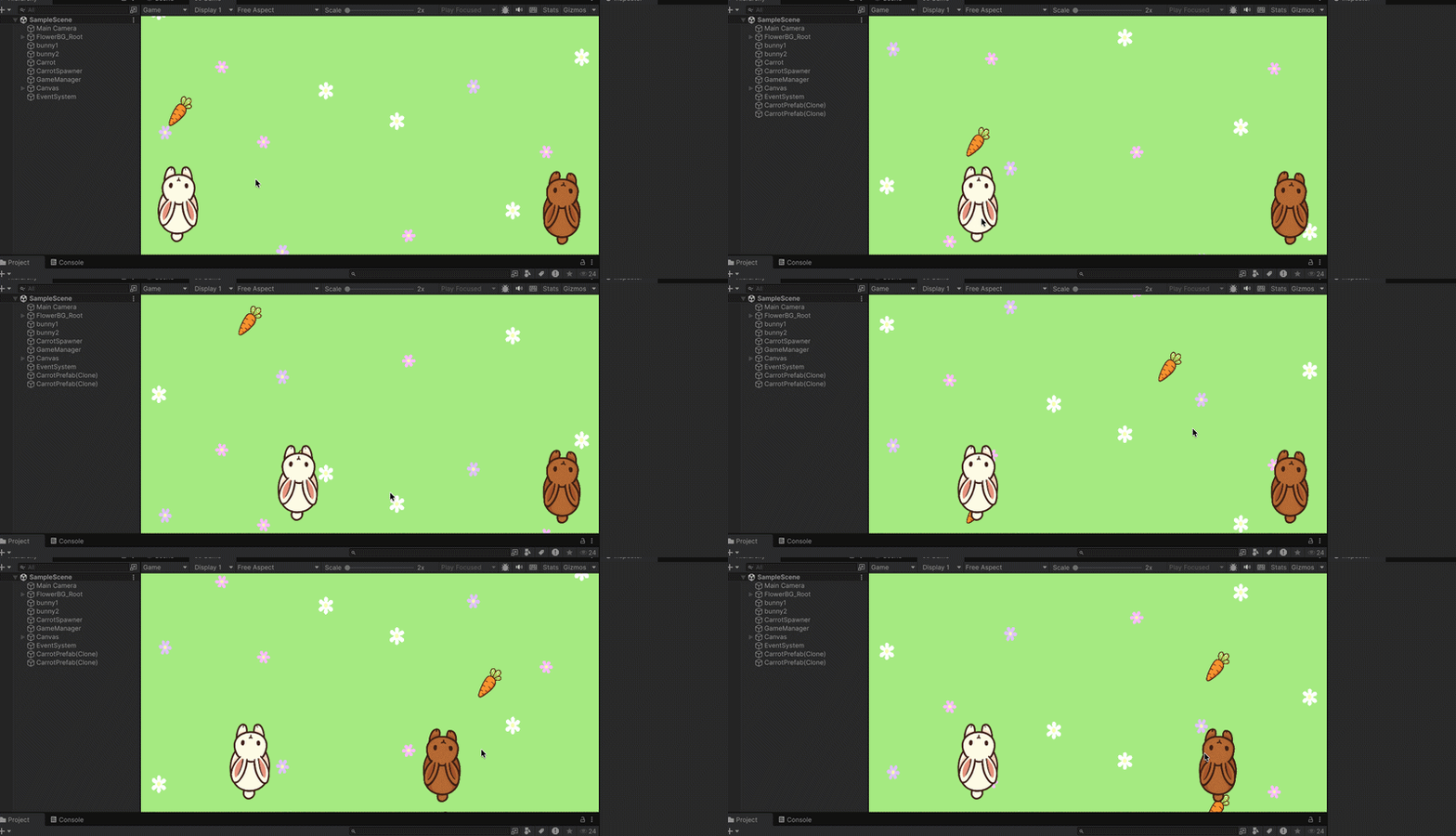
Our next step is to make the carrots! Now, I already have a PNG for the carrot, but we need multiple. It would be too laggy to have an infinite amount of carrots going down the screen, so we need to delete the clones once they are off the screen. The carrots will go down the screen randomly into either the left, middle, or right lane. This goes for both bunnies. Now that we have coded the carrots to go down the screen at random, we need a randomized math question to pop up on
Claire Kim
Jul 211 min read
Jumping Sounds
It took a while, but I figured out how to make a YouTube video into an MP3! First, I used “4K YouTube to MP3” and put it into VEED to cut the audio. After some tweaking in my code and adding the audio clip to my bunny 1, my bunnies now make jumping sounds when they move!
Claire Kim
Jun 21 min read
Moving the Bunnies pt.2
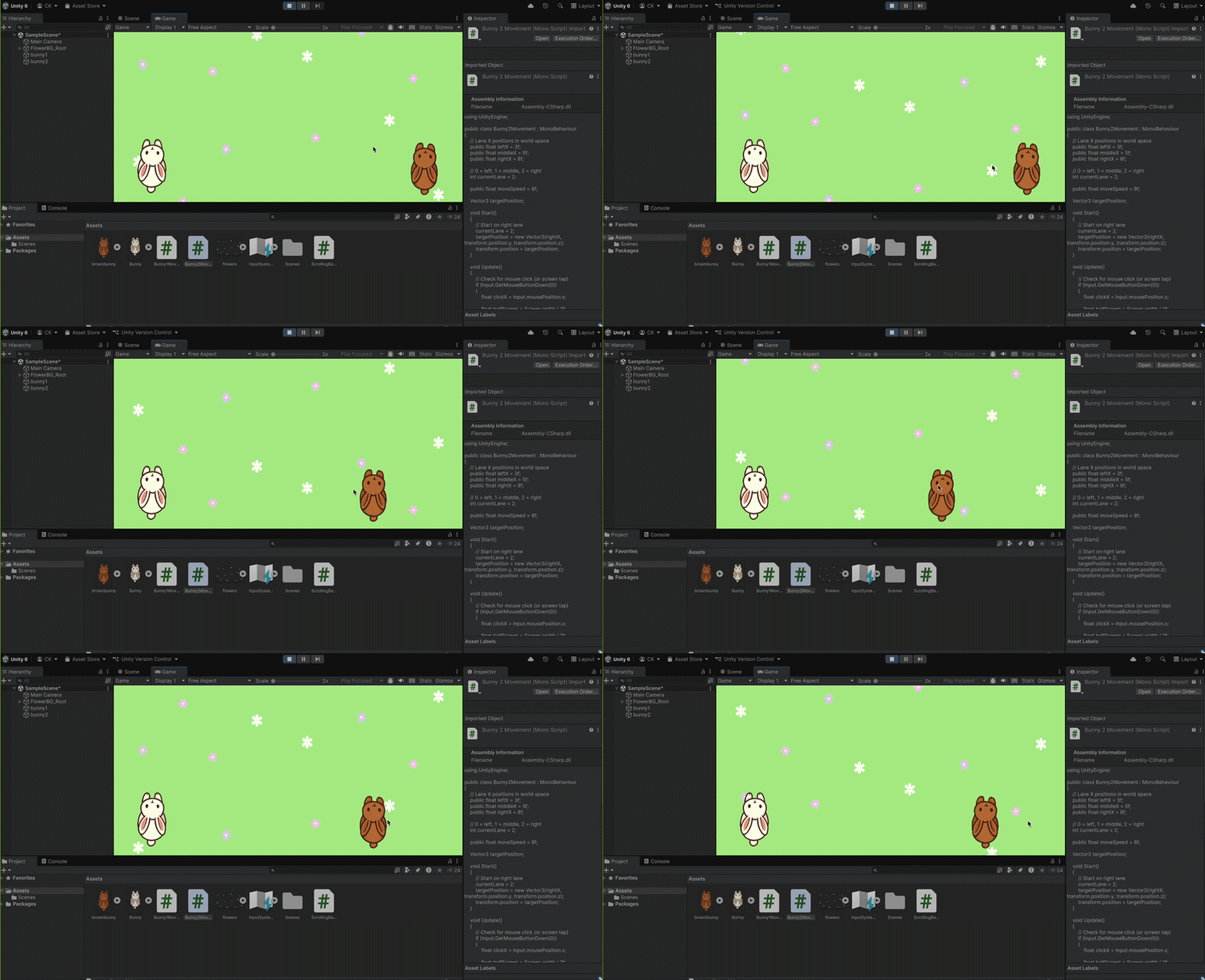
Now, we do the same thing to the bunny on the right. I changed some of the names and values to correspond with the brown bunny’s variables and position. The idea is that when kids play on a screen in class, they can tap the screen to move both bunnies. To make this game more immersive, I want to start adding sound effects and music, so the game doesn’t feel too dull! My idea is that the bunnies have some sort of hopping or jumping noise as they move from one side of the scree
Claire Kim
Mar 311 min read
Moving the Bunnies
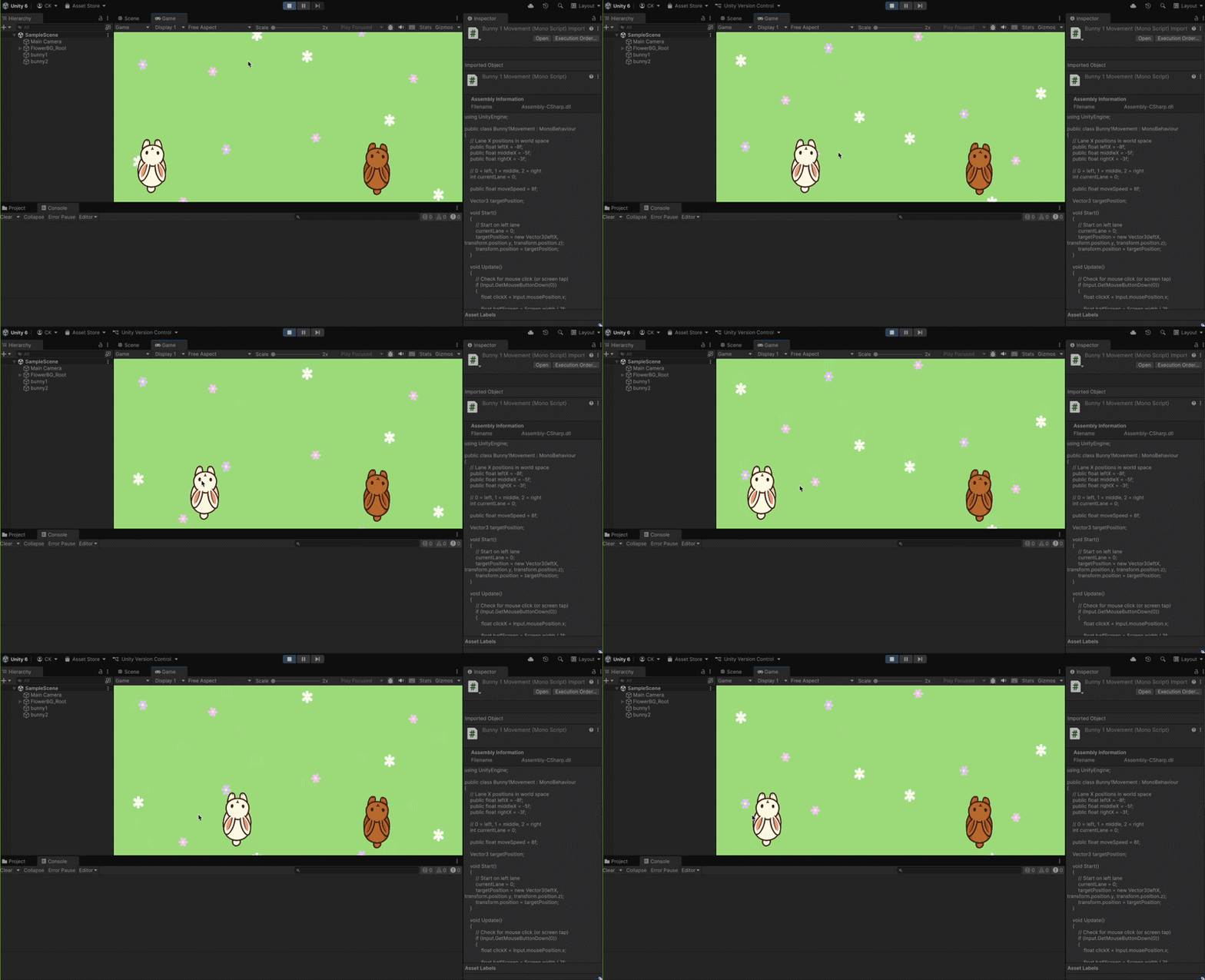
Now that the bunnies look like they’re running, we have to make them go from side to side. In the game, they need to dodge mud and collect carrots. It’ll be fun for kids to tap the sides of the screen to dodge obstacles and collect rewards. Let’s start off with the white bunny. We need three positions for the bunny to go: left, middle, and right. But, we have to keep in mind that when the bunny is on the left, it can’t magically go to the right immediately; it has to go throu
Claire Kim
Mar 171 min read
Small Problem
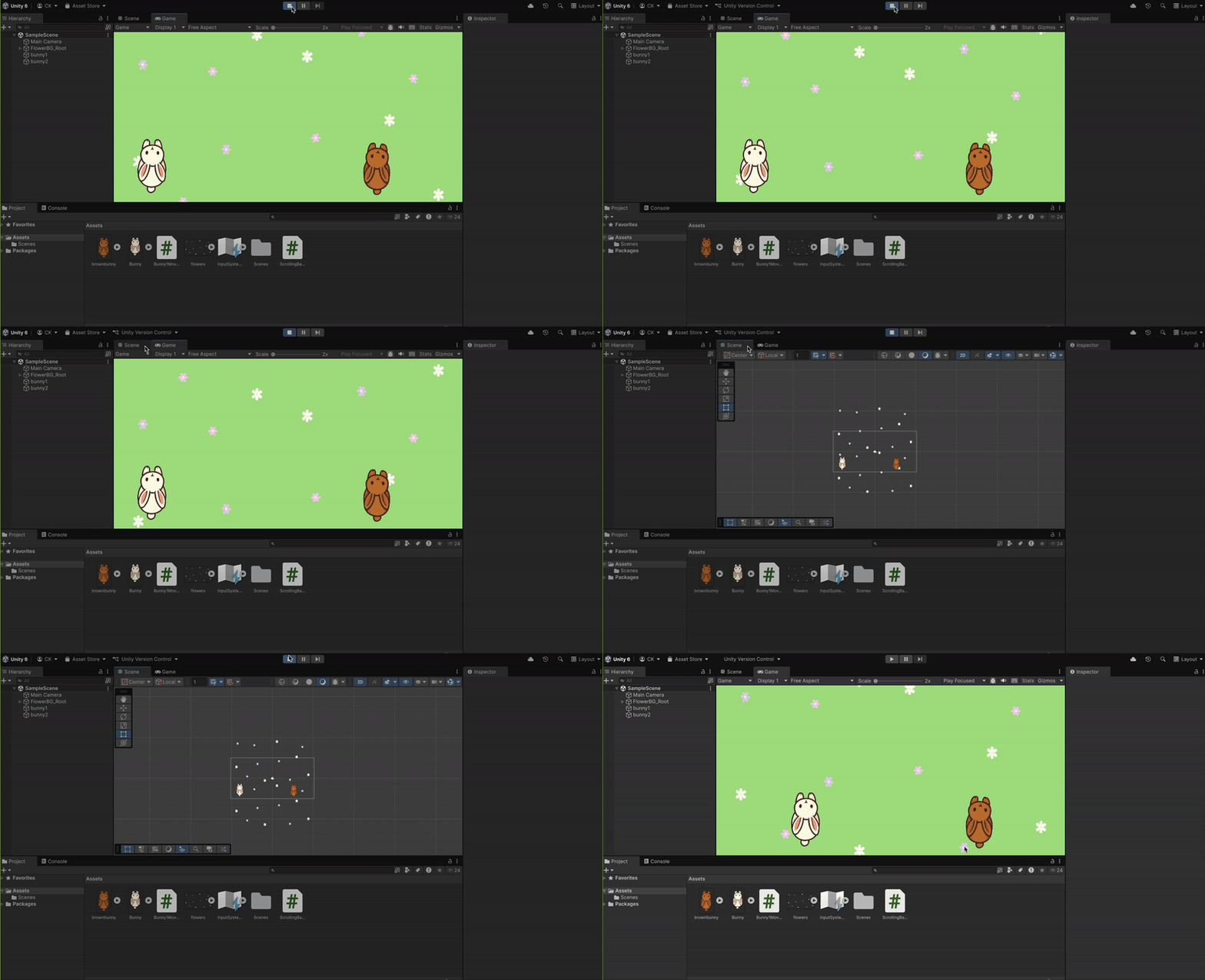
Now, it’s time to make the illusion of the bunnies running… BUT we have run into a small problem! I have two flower backgrounds. The plan is that as the first one moves down the screen, the second one appears. Then, the first one moves back up the screen to create the illusion that the bunnies are running. However, as the first flower background moves, it suddenly teleports back up, so there's a moment during the game where none of the flowers show. So, I went to my trusty ol
Claire Kim
Feb 171 min read


Making the Game Sprites
Aesthetically, I want the game to have a very “spring” vibe to it. We have two cute bunnies, one on each screen. We have a nice green background for the grass with white, pink, and purple flowers. I’m planning to have the flowers move down the screen, so that the bunnies look like they’re “running up the screen”.
Claire Kim
Feb 101 min read


We're Back!
It seems like we’re back and ready for more! Now that we’ve dipped our toes in the waters of Unity Game making, it’s time to get started on our main goal: to teach kids math! I wanted this game to be fun and engaging, something kids can play and not get frustrated with, with just a hint of math involved. Introducing… Hop to the Top! Some problems that I’ve found with other educational games are that the games are simply too complicated. I want to create a game that has simpl
Claire Kim
Jan 201 min read
bottom of page